 Hebday
Calendar and reminders · iOS & macOS
Seven days,
one glance.
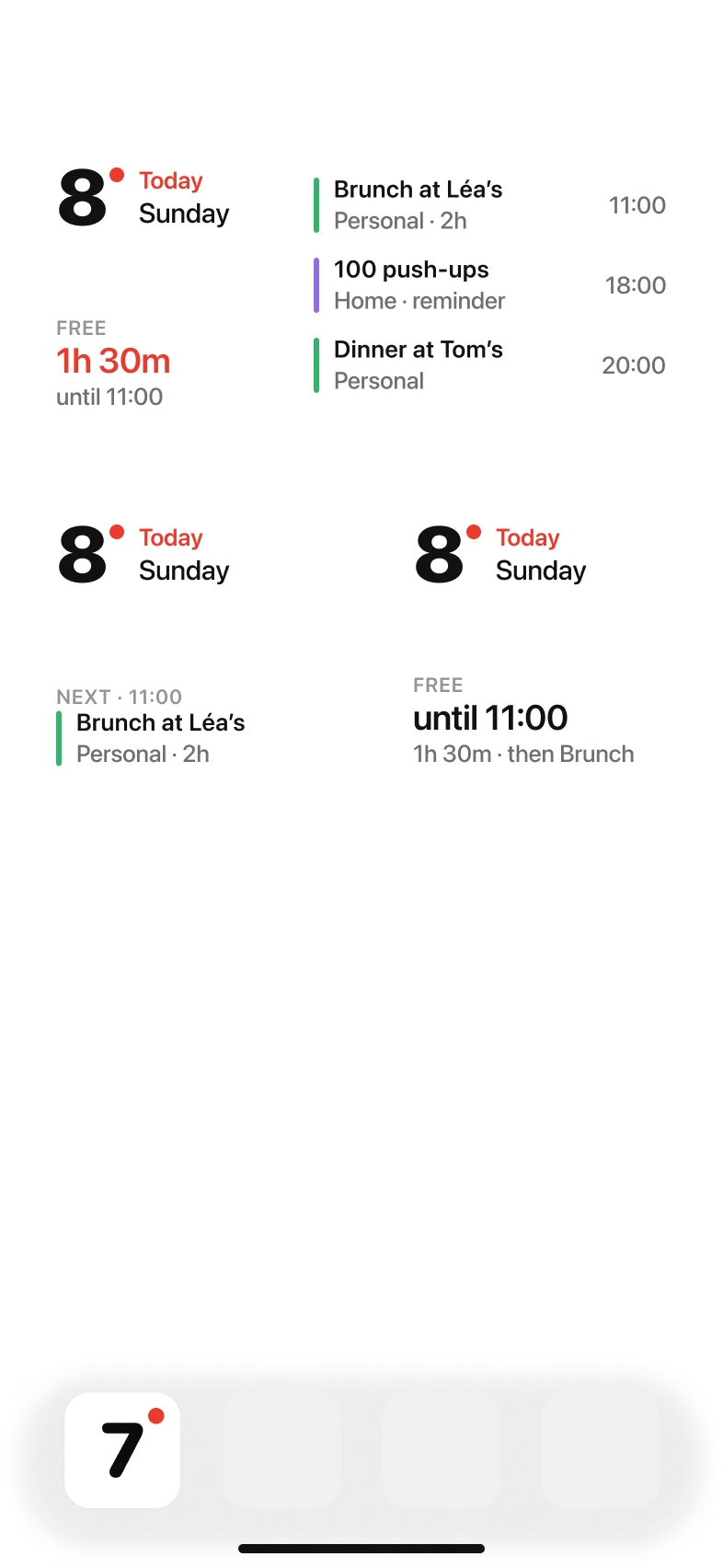
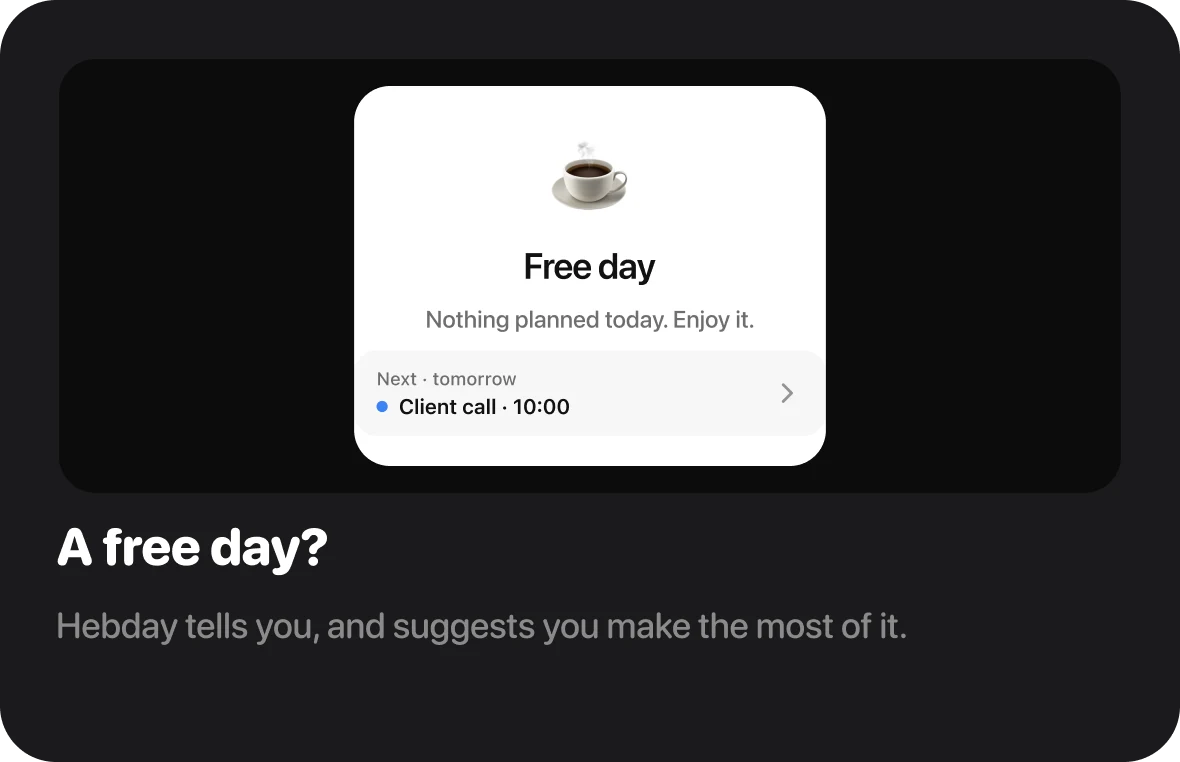
Your events and reminders, laid out day by day. What’s left to do, and how much free time you still have.
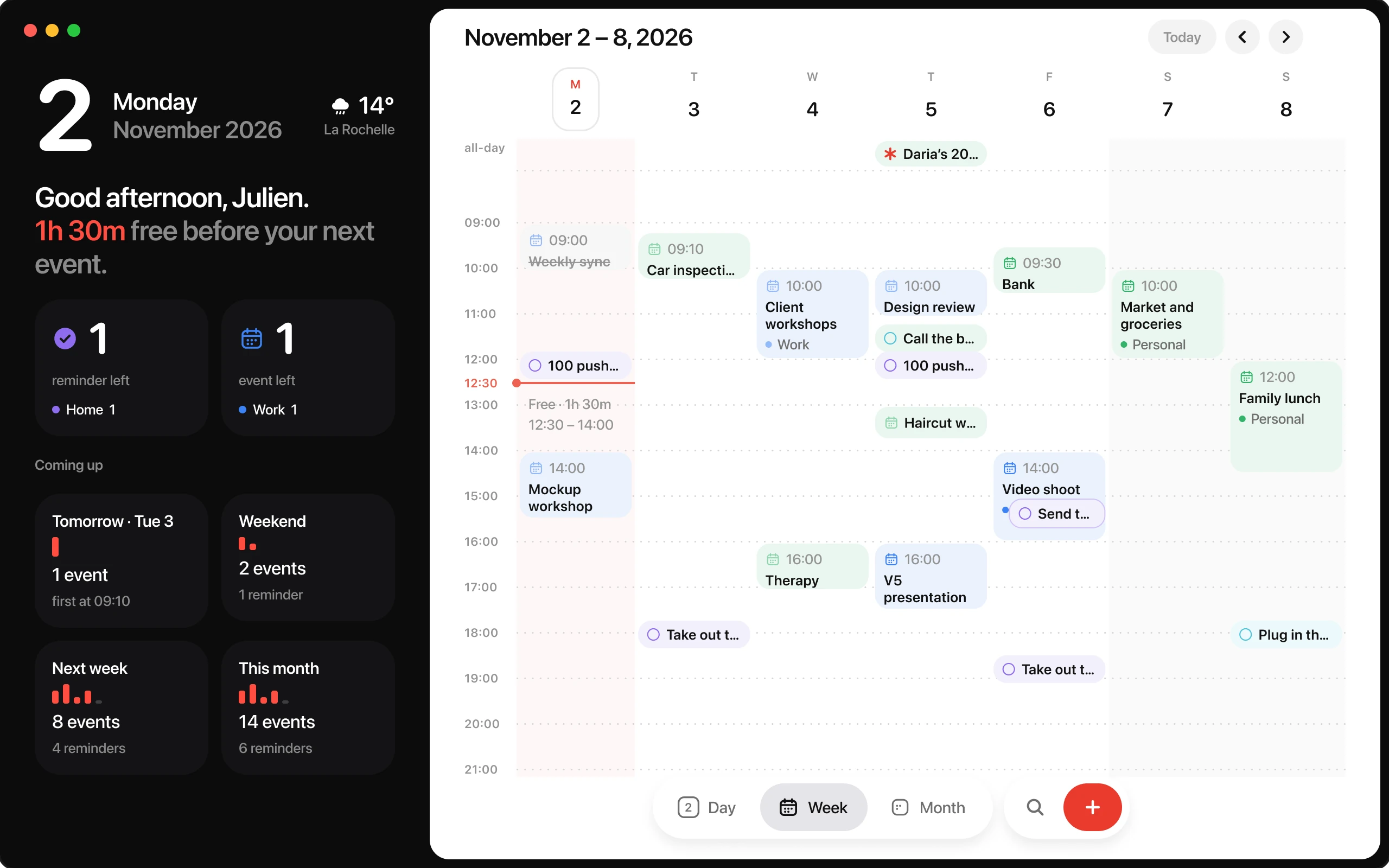
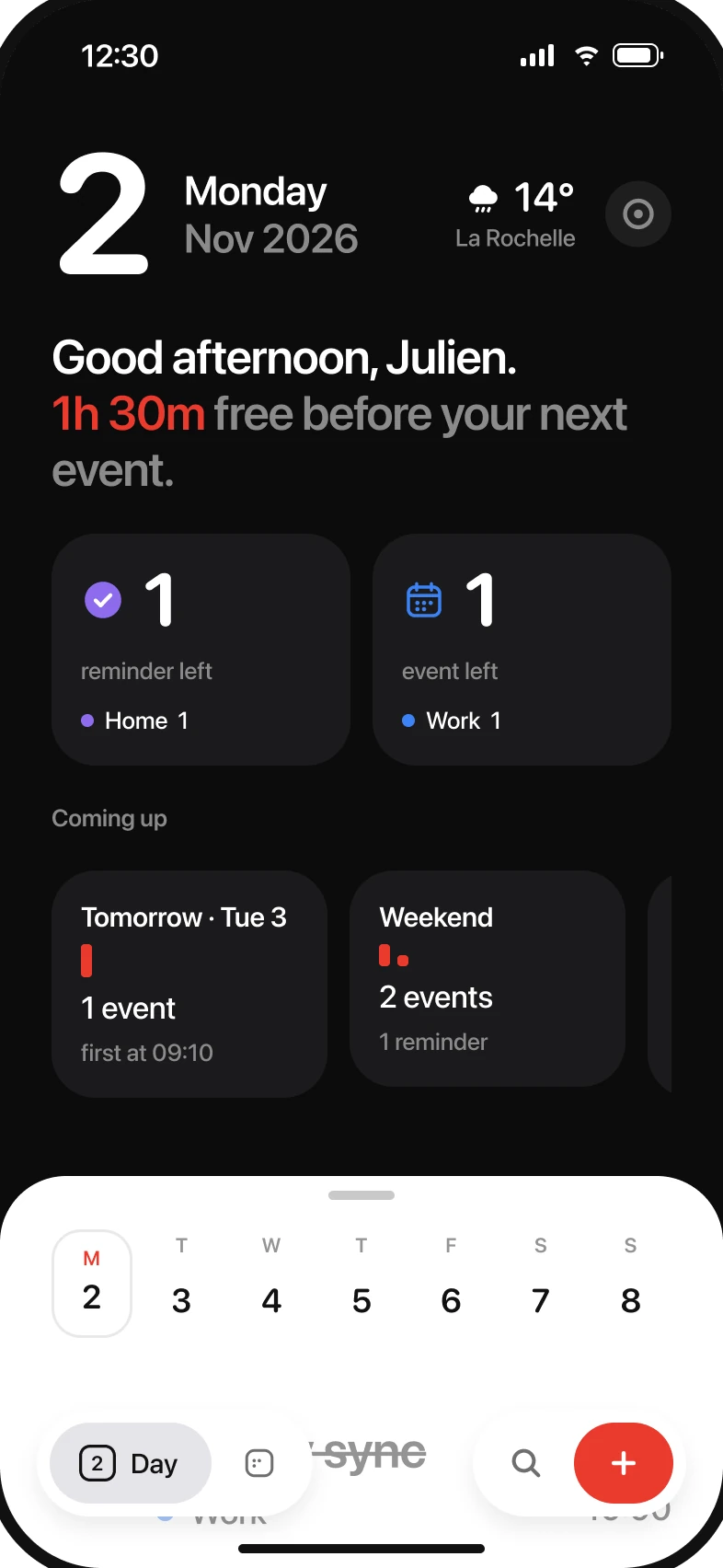
A week with Hebday


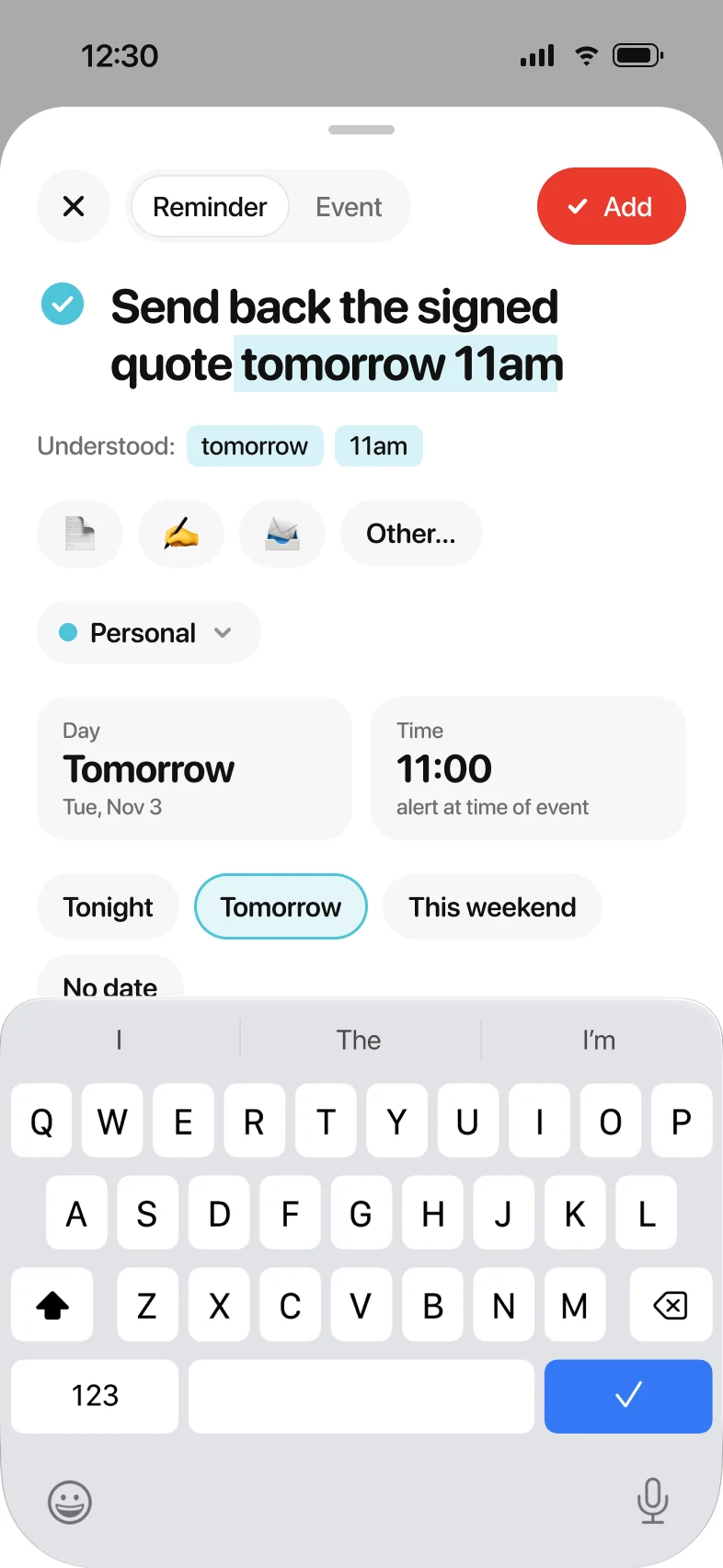
Reschedule
One drag,
and it’s rescheduled.
Press and hold: the card lifts and the time follows your finger. Touch an edge to move it to the next day.
And also
The little things
that matter.
On Mac
On your Mac,
one shortcut away.
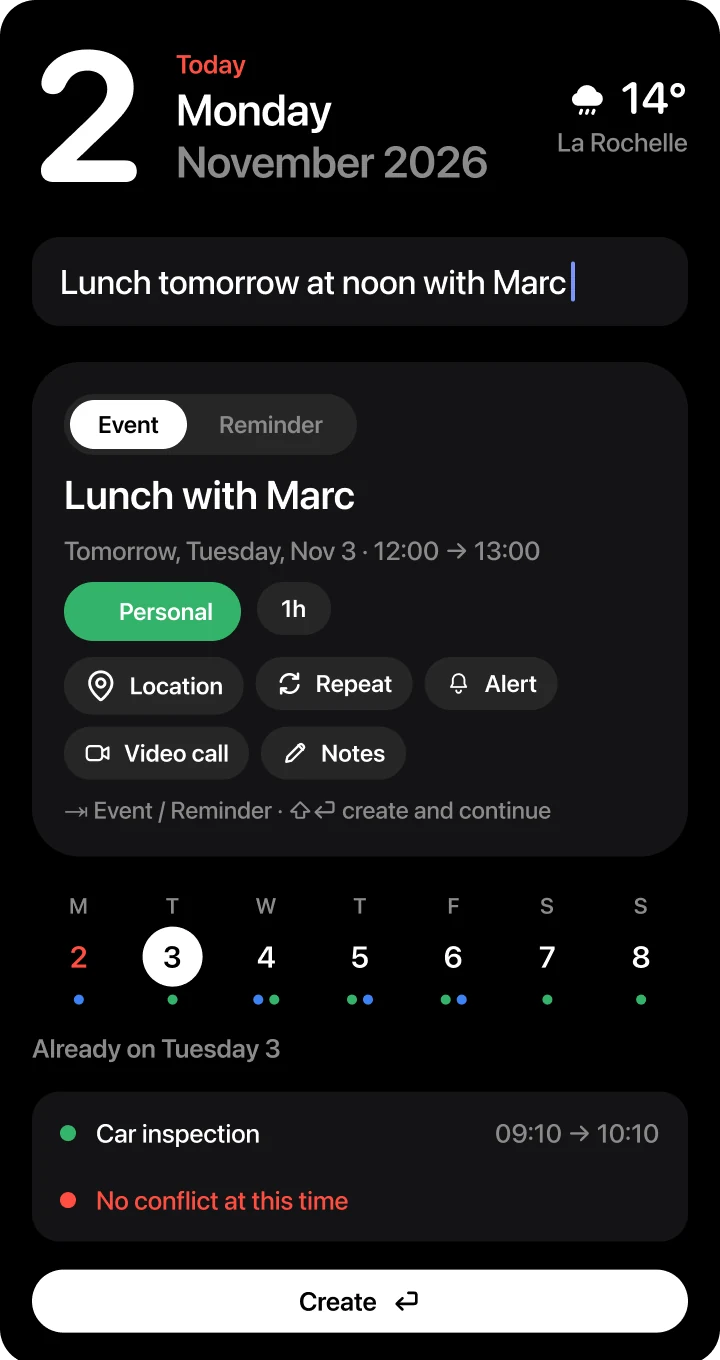
Your whole week at a glance, and new events added without leaving what you’re doing.
Privacy
Your days
stay yours.
No account, no server. Hebday reads Calendar and Reminders right on your devices. Nothing goes anywhere else.
Pricing
A week to try it.
Then you choose.
7 days free, no credit card.
One purchase for iPhone and Mac.
per month
No commitment, cancel anytime.
per year
That’s $1.67 a month, 44% less than monthly.
one time
For people who don’t like subscriptions.
- All calendars and lists
- Natural language input
- Widgets and Live Activities
- Family Sharing
A version designed for iPad is on its way. It will be included in your purchase at no extra cost.

Prices vary by country; the App Store shows yours. No lock-in: your events stay in Calendar and Reminders.
FAQ
Good to know.
Do I need an account?
No. Hebday uses the calendars and lists already on your iPhone and Mac.
Do my Google or Proton calendars show up?
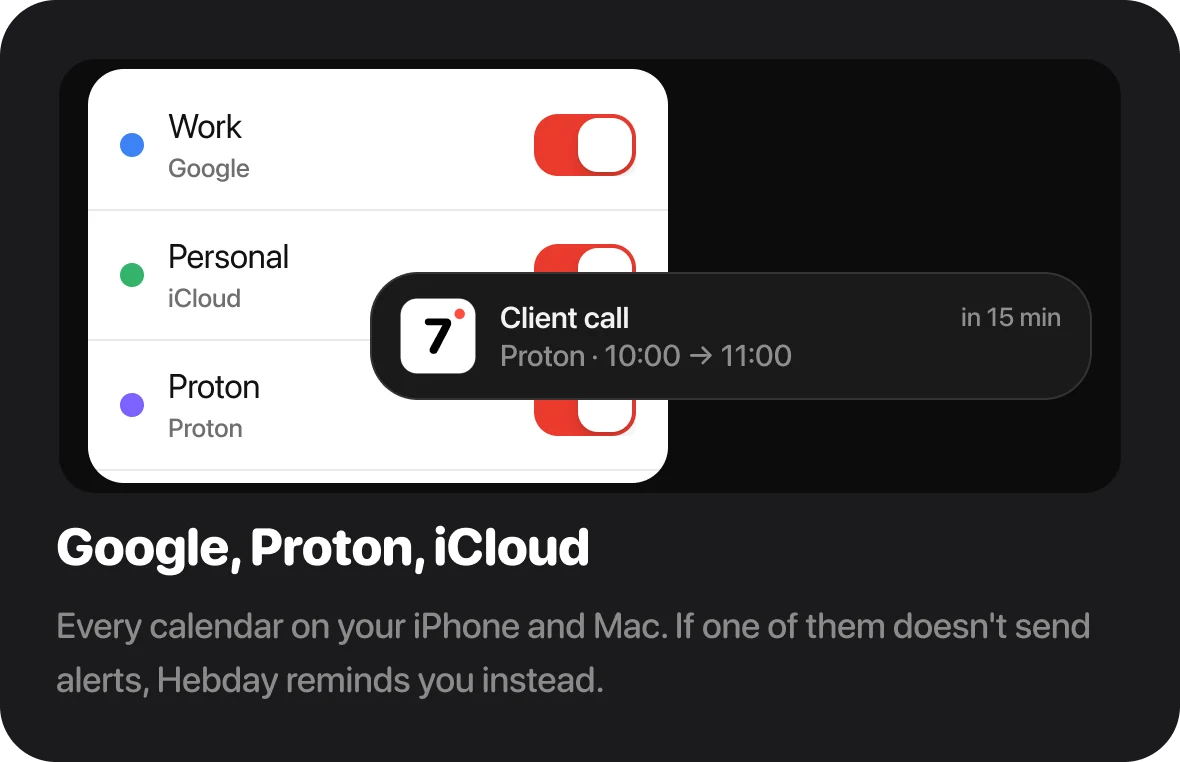
Yes, as soon as they’re added in your iPhone or Mac settings.
What about reminders from the Reminders app?
Yes, in the same list as your events. Check one off in Hebday and it’s checked off everywhere.
What happens after the trial?
After 7 days, Hebday asks you to pick a plan. If you don’t, the app pauses, but you lose nothing: your events and reminders stay in Calendar and Reminders.
Does one purchase cover iPhone and Mac?
Yes. One purchase or subscription unlocks Hebday on both, and you can share it with your family.
What about iPad?
A version built for iPad is in the works: the week at full size, with your overview always in view in landscape. It will be included in your purchase, just like the Mac. In the meantime, the iPhone version already runs on iPad.
And on iPhone Duo?
Hebday adapts: folded, it’s the iPhone you know; unfolded, the overview and your day share the screen.